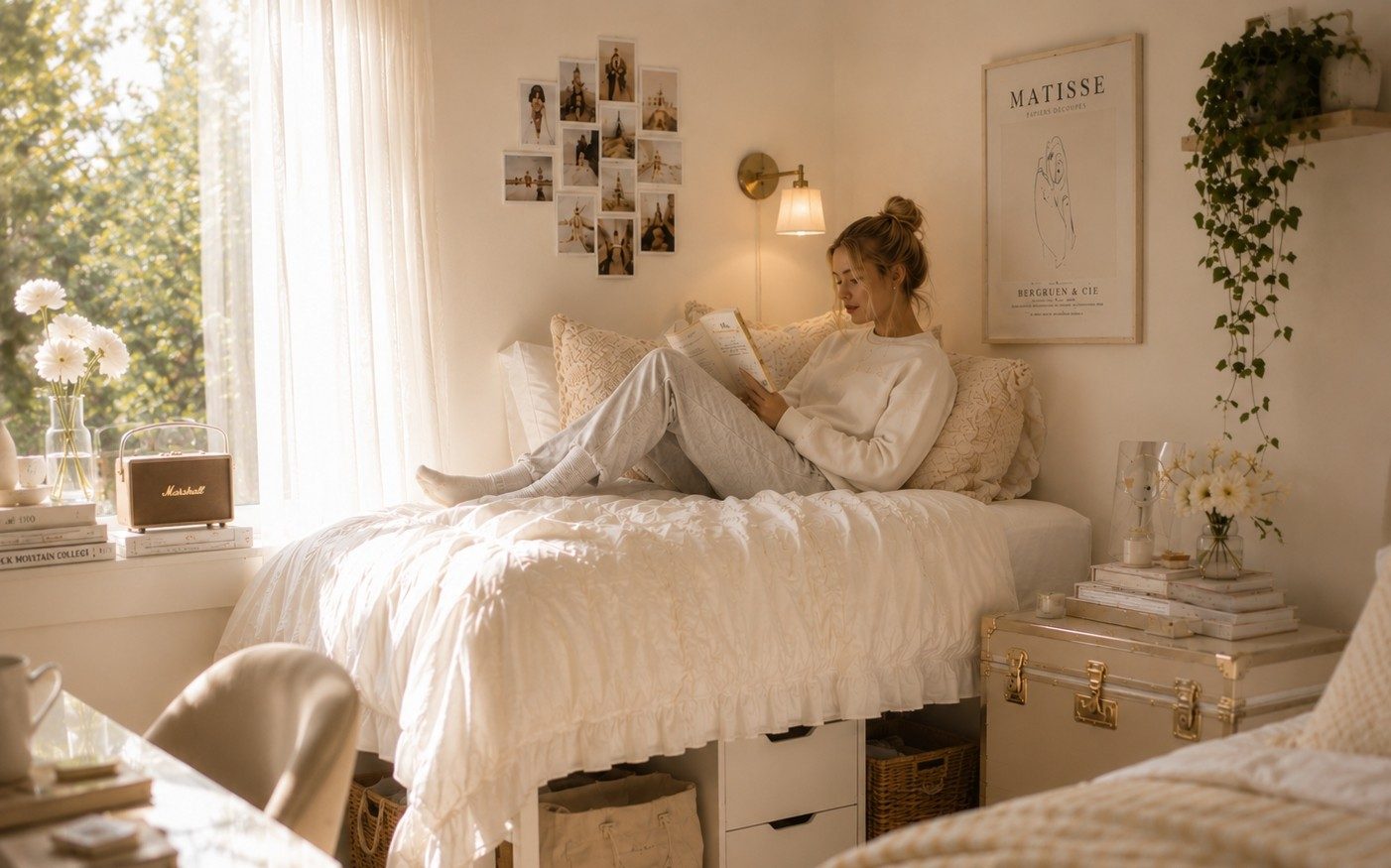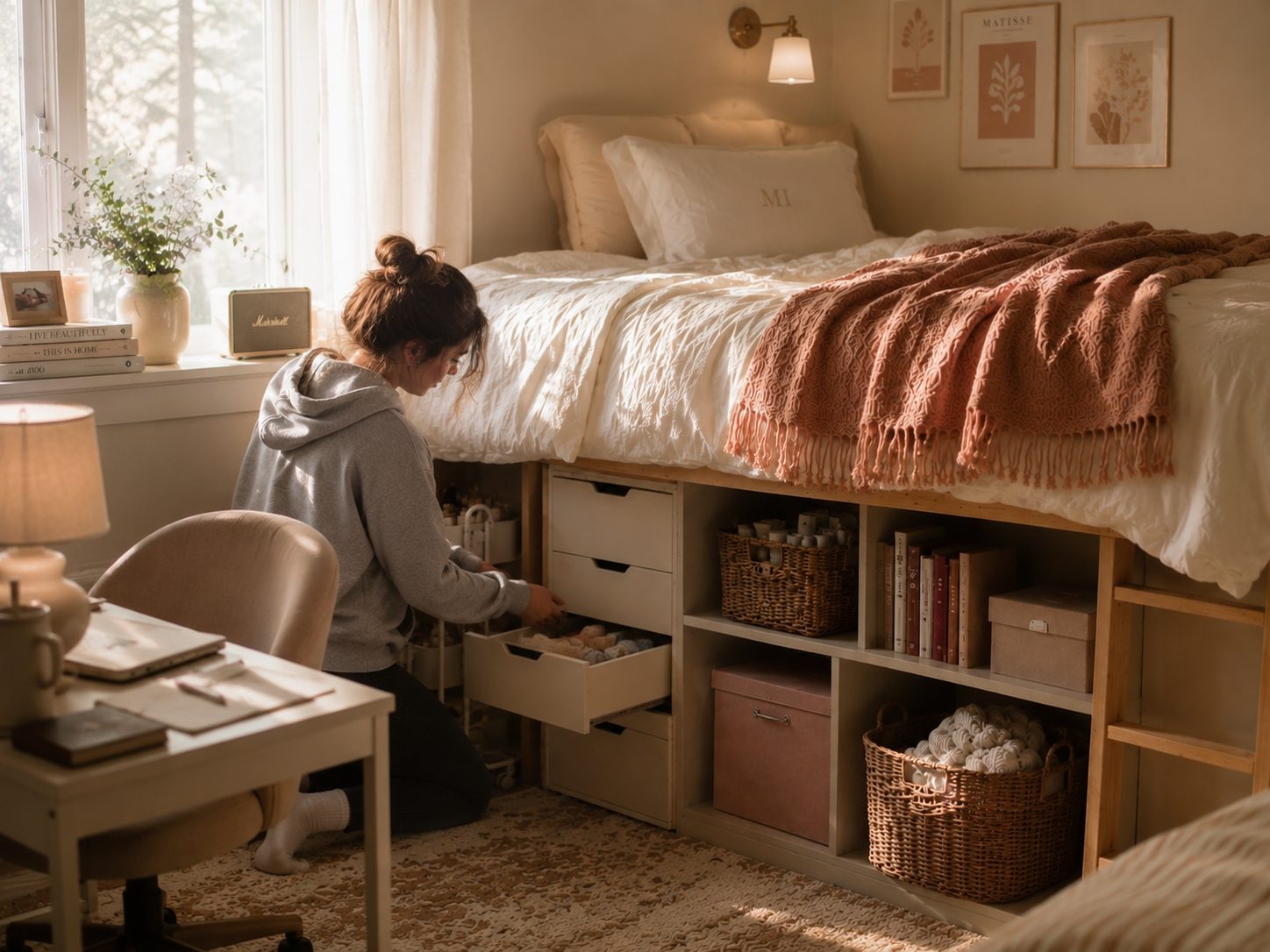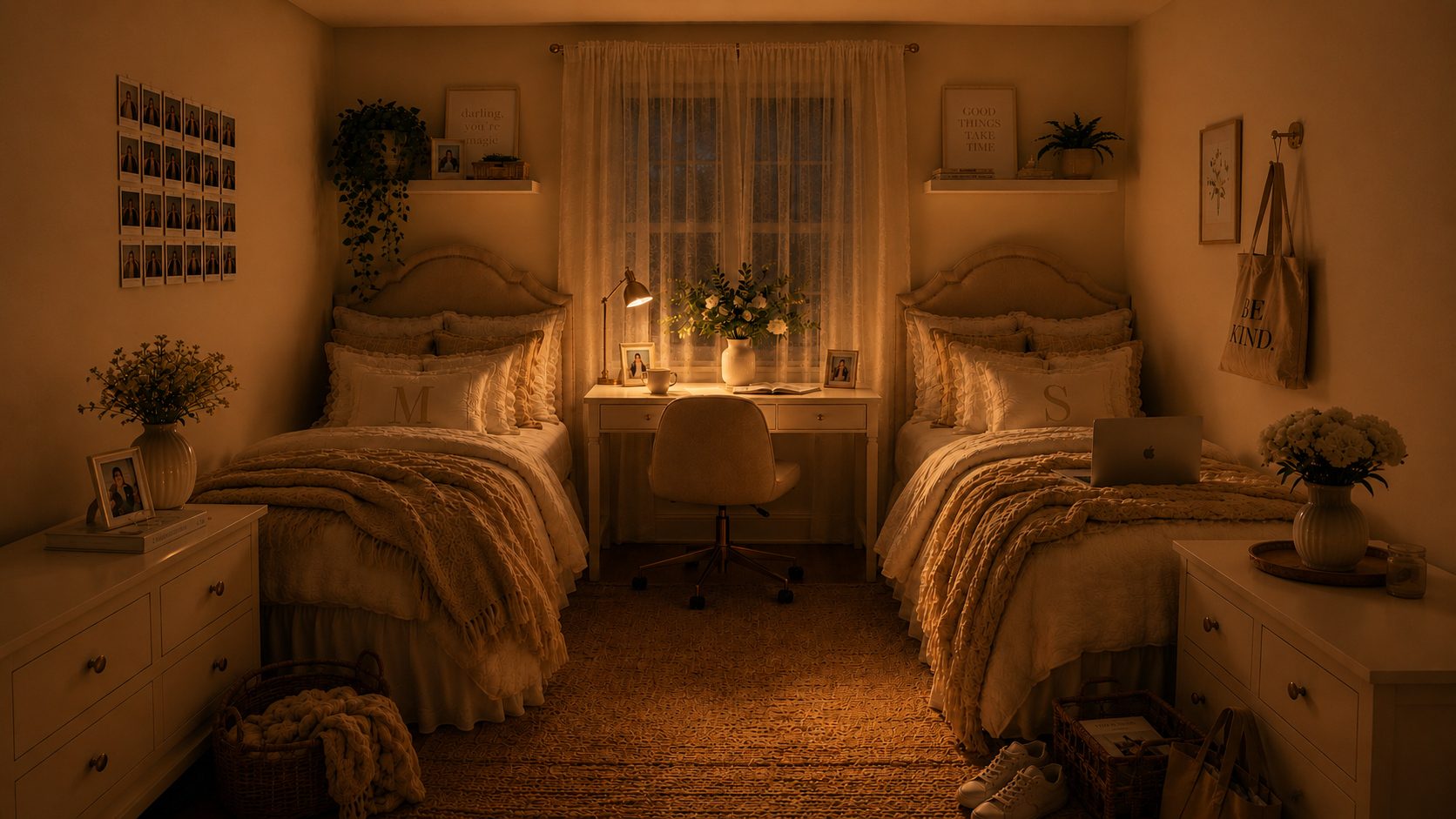
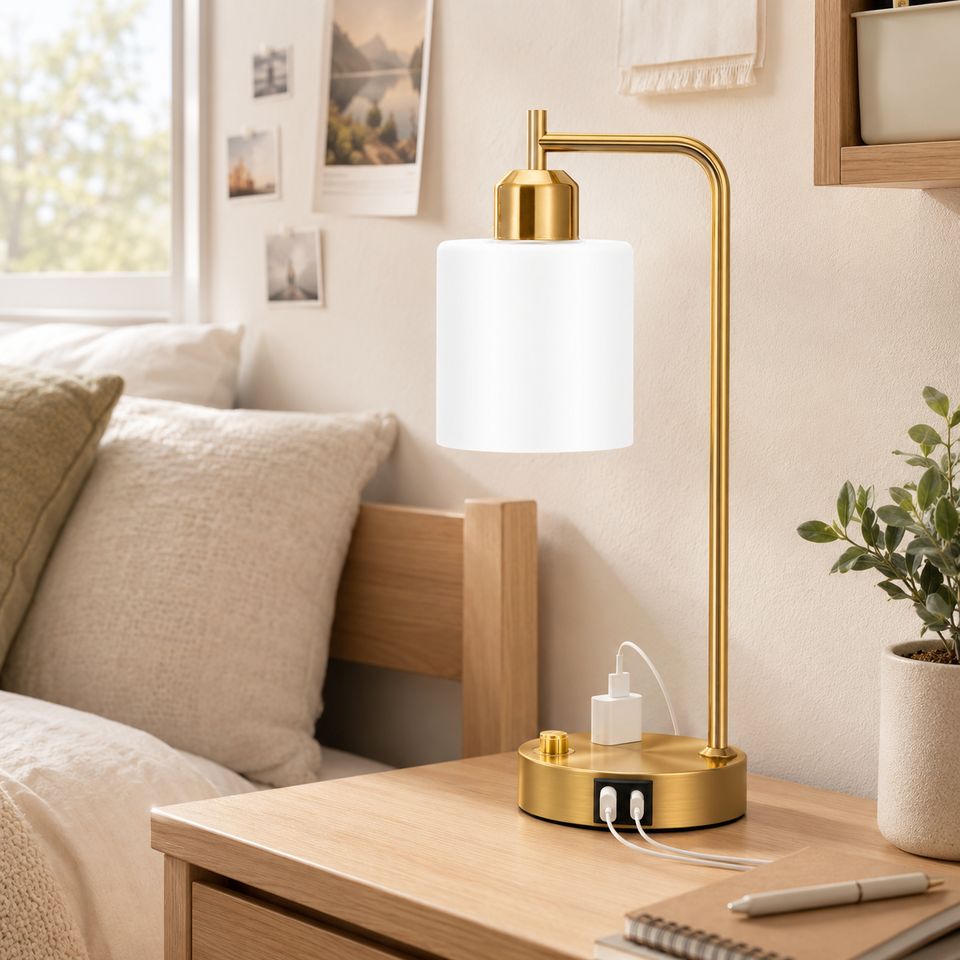
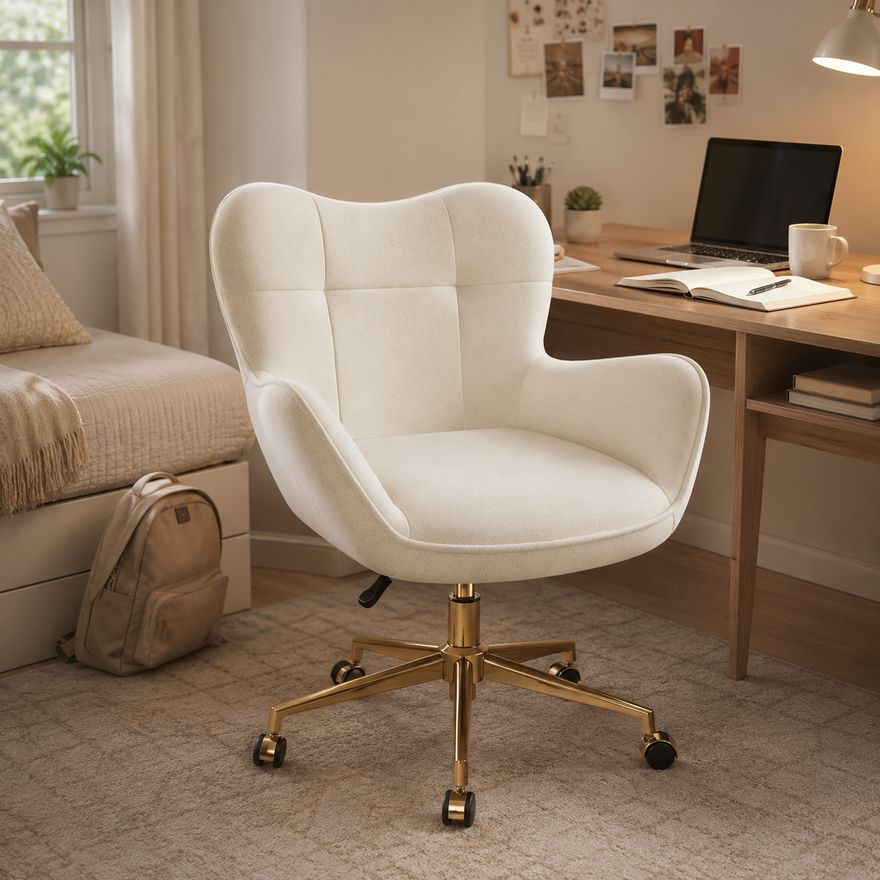

A desk in a dorm room serves about twelve different purposes — it is a vanity, a dining table, a craft station, and (occasionally) an actual study space. The problem is that when everything happens at one desk, nothing feels intentional.
Quick Answer
The best dorm study setup has three zones: a primary zone directly in front of you for your laptop and current work, a side zone for reference materials, and a clear rule that only one personal item stays on the desk. Position your lamp to the side to avoid screen glare, and spend ten minutes clearing your desk at the end of each day.
Key Takeaways
• Divide your desk into three zones: primary, side, and back.
• Position task lighting to the side, not behind or above your screen.
• Keep only one personal item on your desk.
• Use cable clips to manage cords — three visible cords create visual chaos.
• Spend ten minutes resetting your desk at the end of each day.
Desk Layout Checklist
Your primary zone — directly in front of you — should hold only what you need for the task at hand: your laptop, one notebook, and one pen. Your side zone holds reference materials, textbooks, and supplies you might need. Your back zone is for the one personal item that makes the space feel like yours.
When it is time to study, clear everything from the primary zone except what you need for that subject. A clean workspace signals to your brain that it is time to focus.
Task Lighting Placement
Your desk lamp should be positioned so the light falls on your workspace from the side, not from behind or directly above. Light from behind creates glare on your screen. Light from above casts shadows on your notes. Side lighting is what libraries use for a reason.
For the best focus, use a lamp with a 3000K to 4000K bulb at your desk. This cooler temperature keeps you alert without the harshness of overhead fluorescents. Reserve 2200K bulbs for your ambient and accent lighting around the room.
Cable and Charger Organization
Three cords — laptop charger, phone charger, lamp — can make a desk look chaotic. A simple cable clip attached to the back edge of your desk keeps cords organized and off your workspace. Route all cords along the back edge so none hang into your primary zone.
What Should Stay Off Your Desk
Food and drink (spills happen), extra devices you are not using, makeup and grooming items, loose papers without a folder, and more than one decorative object. If it is not helping you study, it does not belong in your primary zone.
The 10-Minute Reset
At the end of each day, spend 10 minutes clearing your desk. Put away books, toss trash, and straighten your supplies. Starting the next day with a clean desk is a small act that has a surprisingly large impact on your motivation.
Comfortable Seating Guidance
Your dorm desk chair will likely be standard issue — functional but not ergonomic. Add a small lumbar pillow if the chair lacks back support. Make sure your chair fits fully under the desk when not in use; a chair that sticks out creates a tripping hazard in an already tight space.
Dorm Styler Tip
Place your desk so your back faces the bed, not the door. Seeing your unmade bed while you study is a focus killer. Facing the door or a wall creates a natural study boundary that helps your brain switch into work mode. If the room layout forces you to face the bed, use a small folding screen or the back of a bookshelf to block the view.
Distraction Control
Keep your phone in a drawer or across the room while studying. Use noise-canceling headphones or a white noise app if your hall is loud. Set a visible timer for focused work sessions — the physical reminder keeps you accountable more than a digital clock.
Common Study Space Mistakes
Relying only on overhead lighting
Dorm overhead lights are too harsh for focused work and create screen glare. Add a dedicated desk lamp positioned to the side of your workspace.
Filling the desk with decorative objects
One personal item is enough. Five framed photos, three plants, and a collection of figurines turn your desk into a display case, not a workspace.
Choosing a chair that cannot fit beneath the desk
In a small dorm room, every inch of floor space matters. A chair that sticks out creates clutter and a tripping hazard.
Keeping chargers and supplies out of reach
If you have to stand up or dig through a drawer to find a pen or charger, you break your focus. Keep daily essentials within arm's reach.
Related Reading
• Best Dorm Desk Lamps — Task lighting recommendations for focused work.
• Why Lighting Is the Most Overlooked Part of Dorm Decor — Layer ambient and task lighting correctly.
• The Real Dorm Essentials List — What you actually need on your desk.
• Heritage Navy Dorm Room Ideas — A structured palette that supports focus.